
 create new ticket
 check ticket status
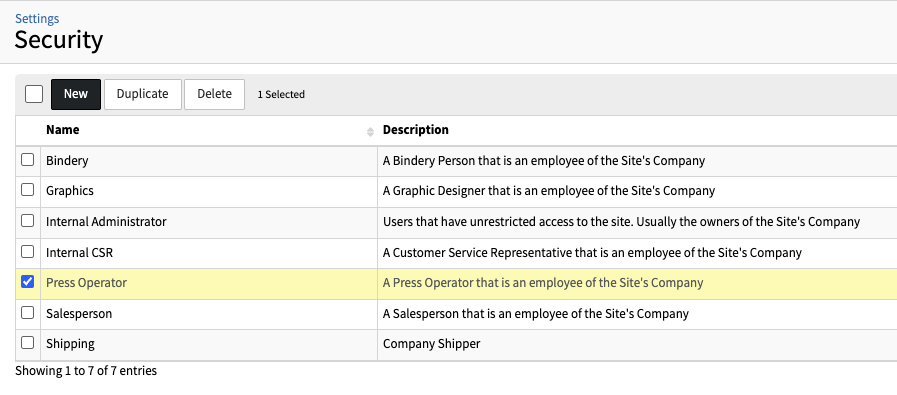
Security Roles can be created and assigned to users to control their level of access. Each variable controls a specific section, panel or action.
Security - Duplicating a Security Role Print
Did you find it helpful? Yes No
Send feedbackSorry we couldn't be helpful. Help us improve this article with your feedback.