
 create new ticket
 check ticket status
Organize like products together on the Point of Sale and Web2Print Online Ordering Portals.
- Internal Product Catalog Name can be utilized to distinguish between multiple similar client Catalogs.
Online Ordering > Product Catalogs
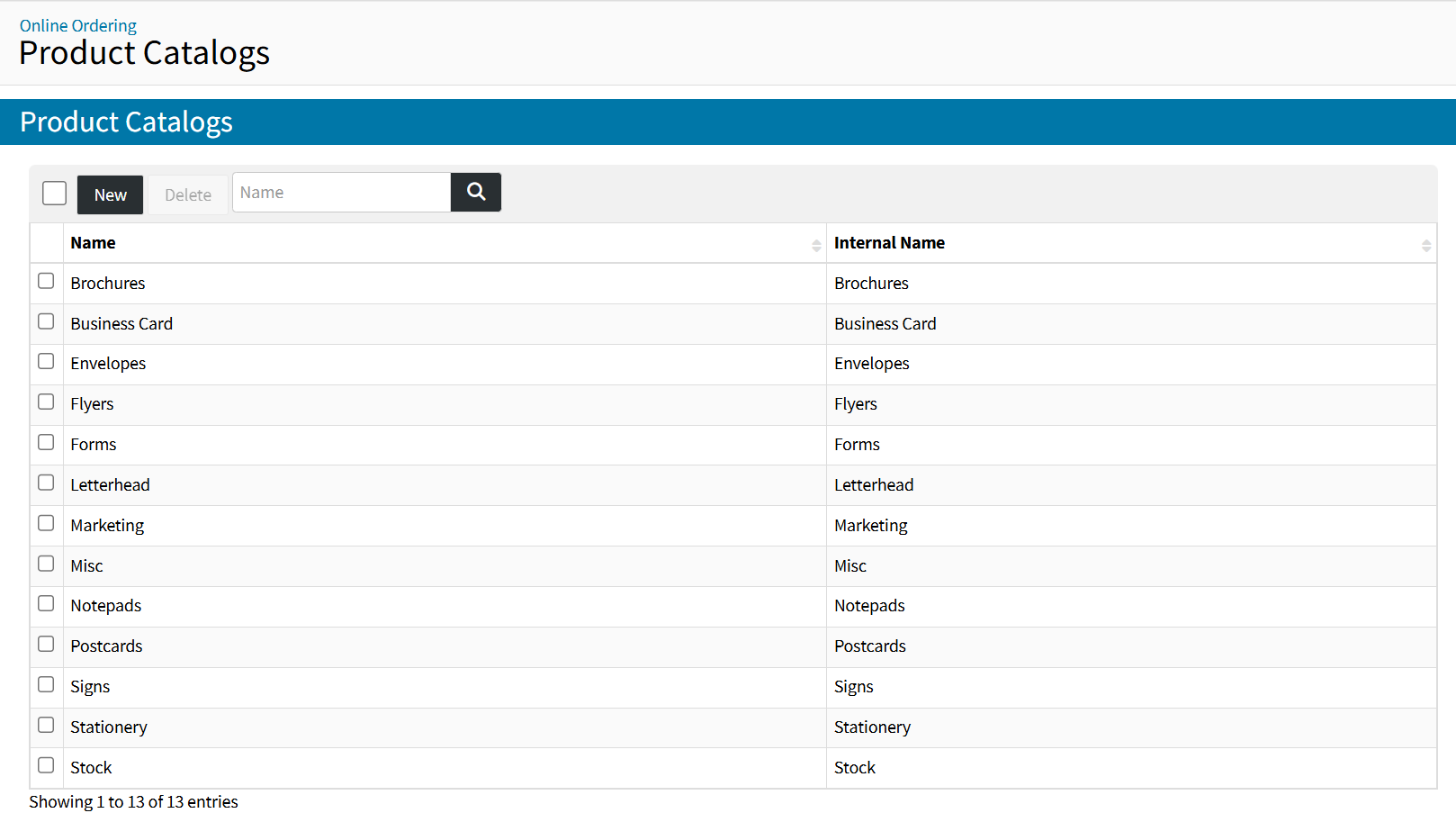
ADDING PRODUCT CATALOGS
- Click the {New} button
- Enter a Customer Facing Product Catalog Name
- Enter an Internal Product Catalog Name
- Select a Thumbnail Image for the Product Catalog
- Click {Save}
EDITING PRODUCT CATALOGS
Once a Product Catalog exists, it can be edited by clicking the Product Catalog Name.
DELETING PRODUCT CATALOGS
Once a Product Catalog exists, it can be deleted by selecting the Catalog from the Product Catalogs List and clicking the {Delete} button.
ASSIGNING PRODUCT CATALOGS TO PRODUCTS
Online Ordering > Products > Product Item > Product Catalogs
- Click the {+} icon
- Select a Product Catalog from the dropdown menu
- If you want to add a Sub Product Catalog, click the {+} icon next to the dropdown menu
- Click {Save} to confirm your selections