
 create new ticket
 check ticket status
Parent Product Containers are a way to organize your Product Items. Parent Products are containers that hold multiple product items or product groups.
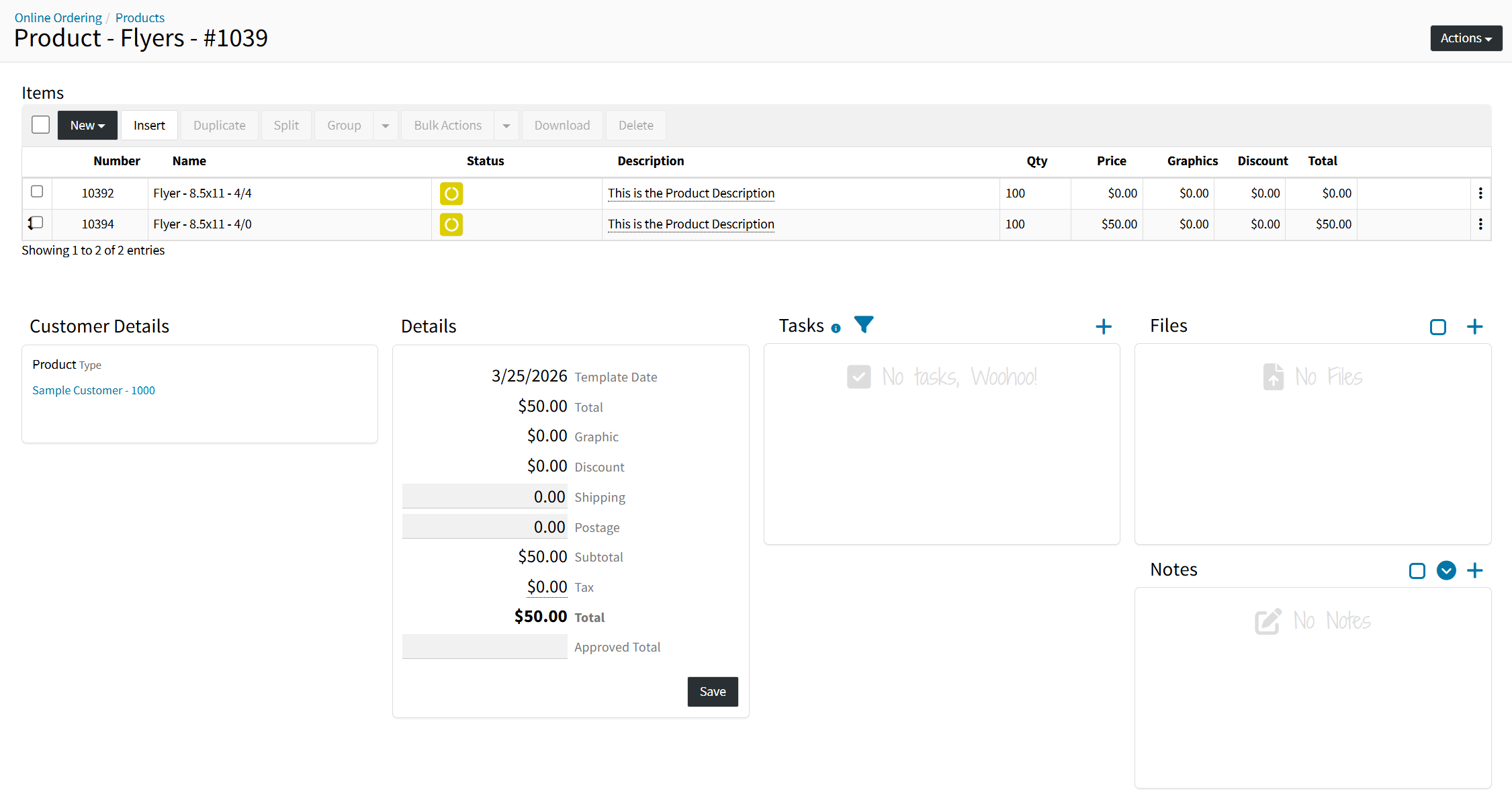
- Each Product Item within a Parent Product Container will be associated with the Customer of the Parent Product, listing out all Product Items at the Customer Level in CRM.
- If the CRM > Customer > Actions > Edit > Online Ordering > Automatically Grant Contacts Product Access > Is "Yes", all new Product Items created, within a Parent Product Container associated with the customer, will automatically grant all currently existing contacts product access. All new contacts created under the customer will be automatically granted Product Item access to all currently existing products.
BREADCRUMBS, PARENT PRODUCT NAME & NUMBER
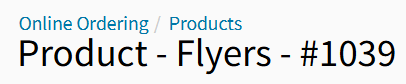
Breadcrumbs - Access prior top level pages via Online Ordering / Product Breadcrumbs.
Parent Product Name - An internal field that is only displayed at the Parent Product Container Level.
Parent Product Number - Each Parent Product Container has a unique number in DocketManager.
ACTIONS
Edit - For adjusting the Internal Parent Product Name, and the associated Products Customer.
Sync Order - A Zapier Integration Trigger Event.
Duplicate - Creates a duplicate Parent Product containing all associated Product Items.
PRODUCT ITEMS LIST
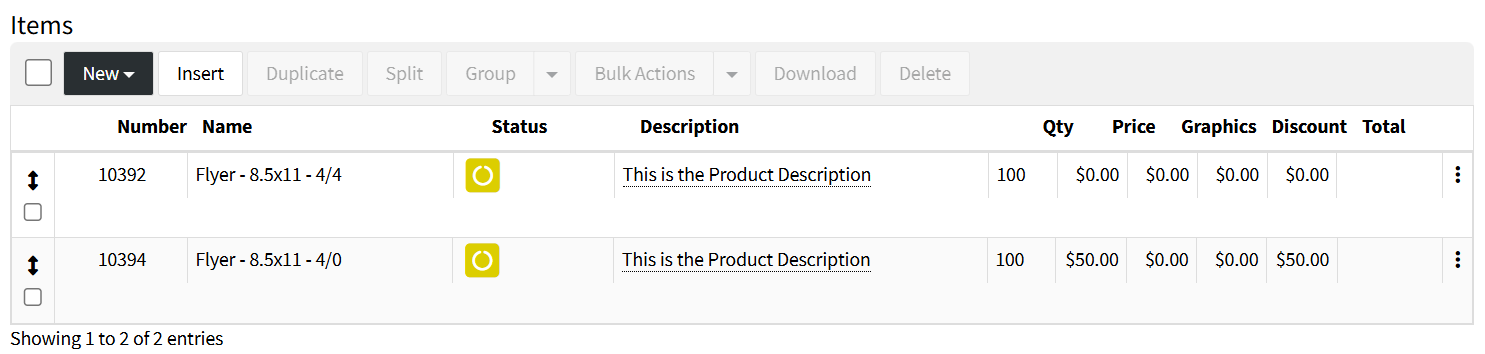
New
Creates a new Product Item within this Parent Product Container using the following methods:
- Quick Add
- From Product
- From Template
- From Scratch
- From Group Template
Insert
Creates new Product Items within this Parent Product Container by inserting Items from Orders, Quotes, Products, or Group Templates.
Duplicate
Duplicates the selected Product Items within the Parent Product Container.
Split
Moves the selected Product Items into a new Parent Product Container.
Group / Ungroup
Groups are generally used for kits or multipart jobs. They have separate jobs and workorders for production but show as one item and one price to the client.
Learn More About Grouping Items.
Bulk Actions
Quickly update information on one or more Selected Product Items without having to edit them individually. The system will determine if a recalculation needs to be done based on the Bulk Actions tool being used and the fields that are being updated.
- From Bulk Actions > Products, the Assigned To, Status, and Tags can be Bulk Removed by entering the existing value and selecting Bulk Remove.
- From Bulk Actions > Stock, Changing the associated stock of a Product Item will automatically adjust the Run Size based on the width and length of the selected stock
Download
Product items that have files attached, such as Print Files, Working File, etc., can be downloaded from the Parent Product Container level instead of going into each item.
Delete
Deletes the selected Product Item(s).
ADDITIONAL DETAIL PANELS
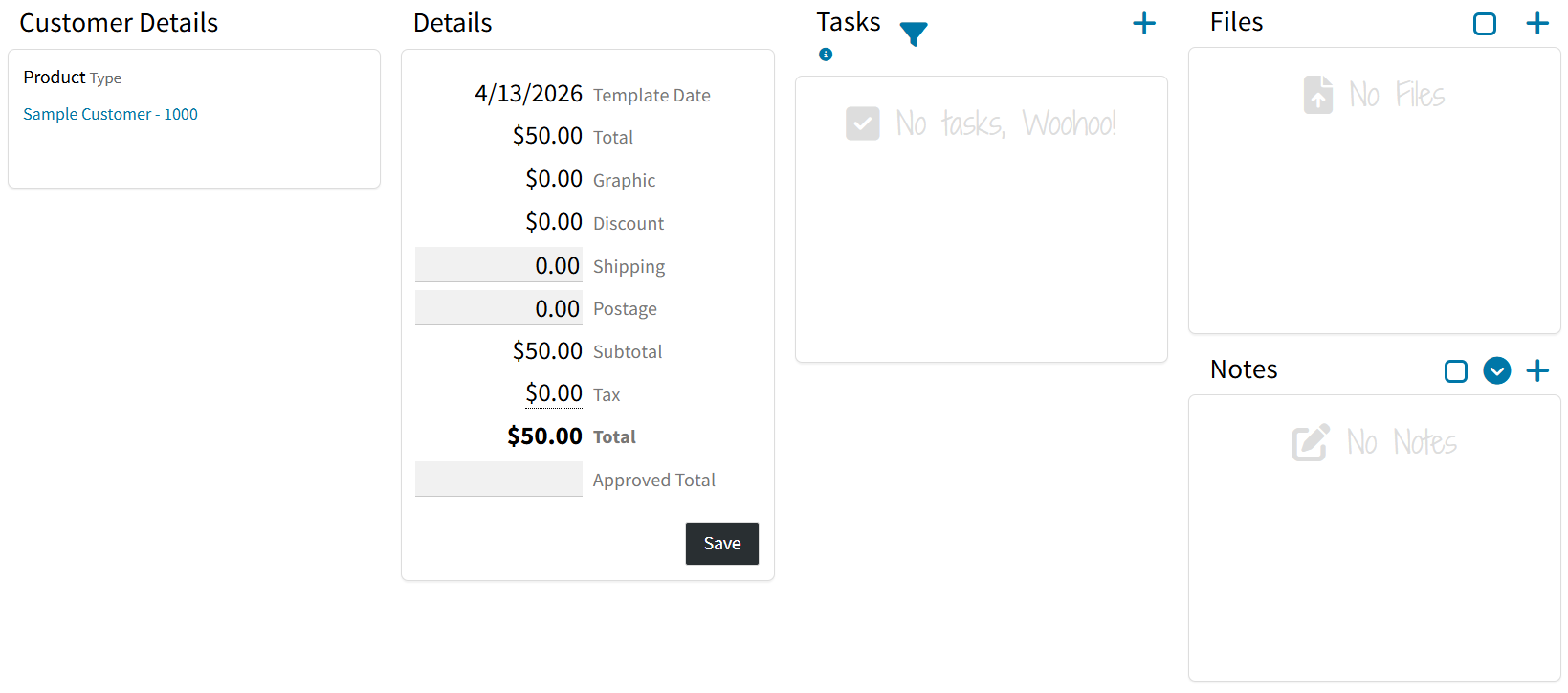
Customer Details
Defines the view Type, whether you are viewing a Quote, Order or Product. And lists the associated Customer.
Details
Lists the Date when the Parent Product Container was created, as well as the trivial overall value of the Product Items within the Parent Product Container.
Tasks
Assign tasks associated with this Parent Product Container to other users within the system.
Files
Store internal reference files to the Parent Product Container, that would not transfer through with an Online Order of a Product Item.
Notes
Attach internal reference notes to the Parent Product Container, that would not transfer through with an Online Order of a Product Item.