
 create new ticket
 check ticket status
DATA SCHEMAS
Data Schemas are linked to Designs used by the Data-Driven Editor in a B2B Product Template. Allowing you to set formatting rules and validations of user input that maintain branding and overall consistency across orders.
An example of this would be the formatting of a Phone Number ###-###-####. If a Data Schema was not used, users would be able to format their phone numbers however they like. Creating inconsistencies between users' business cards, who work for the same company.
Online Ordering > Variable Templates New > Data Schemas > New > Schema
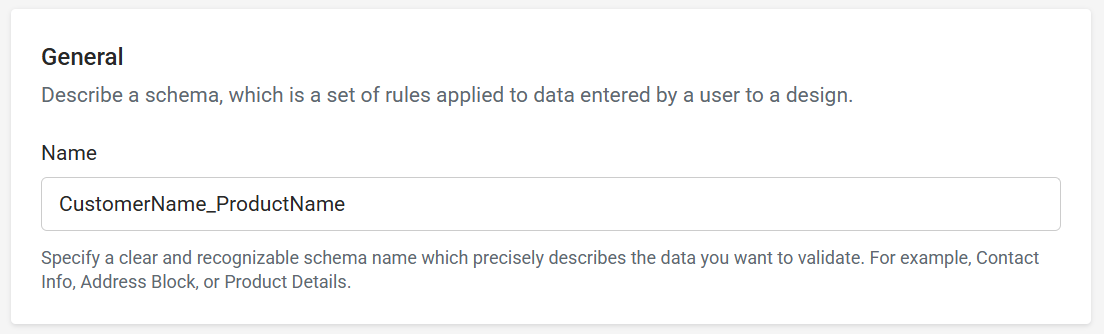
GENERAL
Name your Schema to be recognizable based on the design(s) you want to associate it with. A good practice is the customer name followed by the product name.
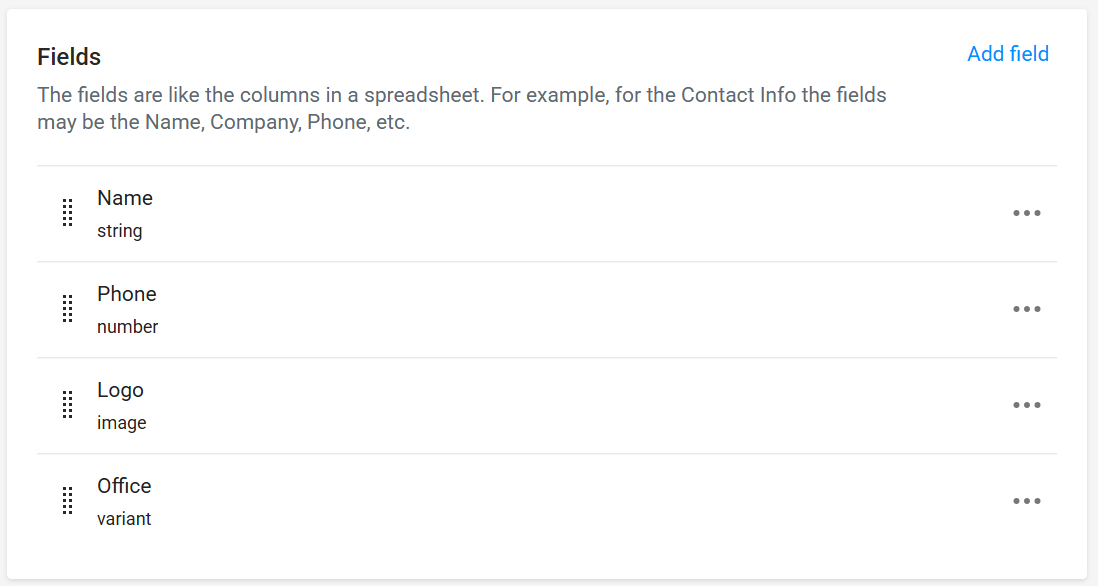
FIELDS
Schema field names must match the name of the Design field name.
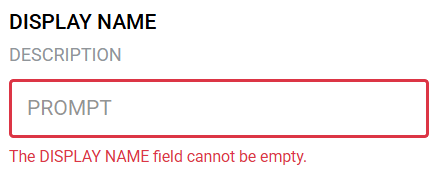
Field Properties:
- Display Name - Display an alternative name for the field.
- Description - Helpful text to guide the customer.
- Prompt - Field placeholder text.
- Validation - Is the field Required.
Field Types:
String
Text content such as Names, Titles, Emails, Websites, and Addresses.
- Constraints - Limit users input by applying constraints to the field. Learn more about - Pattern Constraints
Number
Numeric content such as Phone Numbers, Store Numbers, ID Numbers, Dollar Values, and Percentages.
- Number Format - Control the formatting of the user's input by selecting a number format.
Image
Images, Photos, Logos, and Backgrounds. Supporting AI, BMP, GIF, JPEG, JPG, PDF, PNG, PSD, SVG, and TIFF file types.
- Allowed Images - Choose weather the user can upload their own image files, and/or choose images from a specific image assets folder.
Variant
Pre-Defined content for the user to select, from a dropdown menu, such as Office Locations or Business Departments.
Display Names - Values
London Office - 123 Main Street <br/>London, ON N6A 5P2
Toronto Office - 456 Center Avenue <br/>Toronto, ON M5X 1K2
The "<br/>" within the values creates a line break in the data, pushing the remaining content onto a second line.
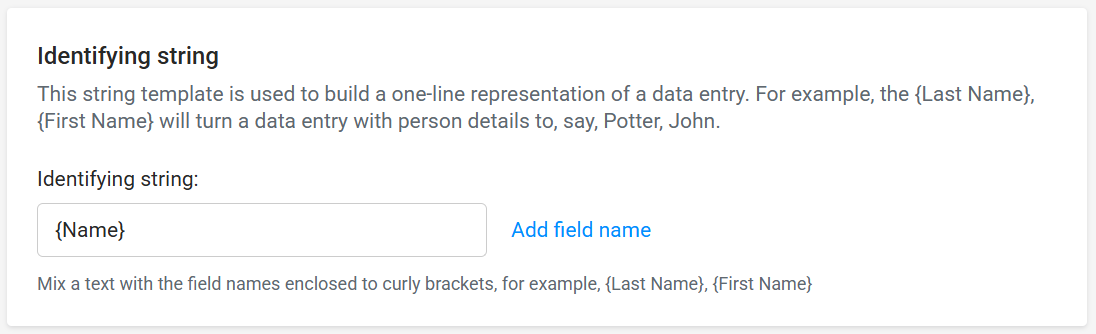
IDENTIFYING STRING
A field, or a combination of fields, used to uniquely identify one customer's customized design project order from another. Shows up on an Order Item in the name field after the product name, and in the production file name.
DATA SETS
Data Sets work together with Data Schemas to provide prefill options of values that will populate specific schema fields on an associated Data-Driven Editor Template Design.
The Data Schema Identifying String is the field(s) presented to the end user when they select from the pre-fill options.
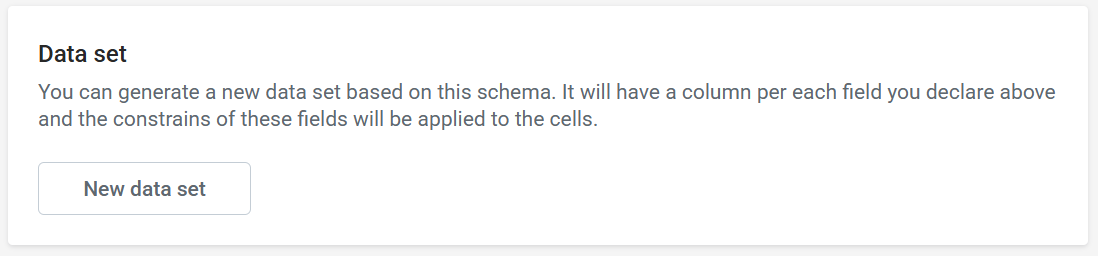
New Data sets can be created from within a Data Schema:
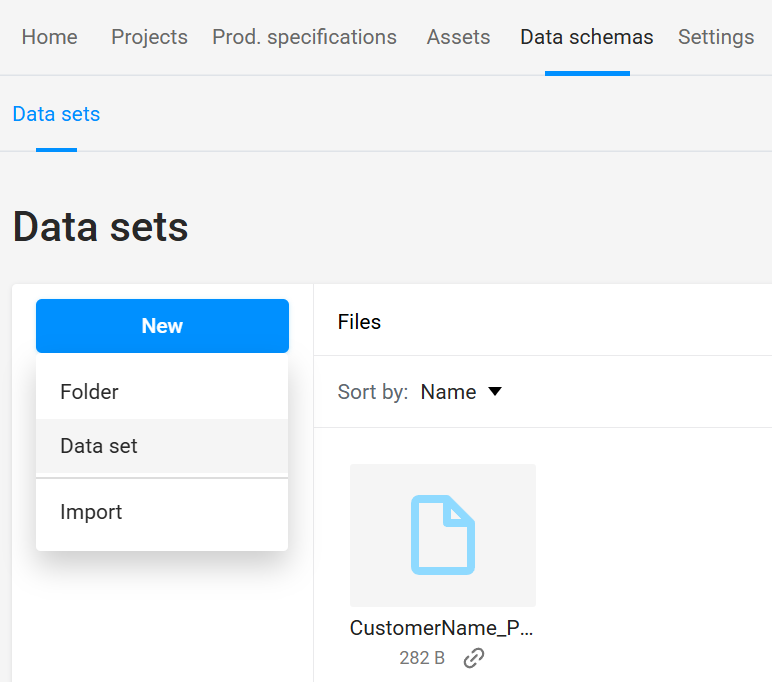
Or from Online Ordering > Variable Templates New > Data Schemas > Data Sets > New > Data Set
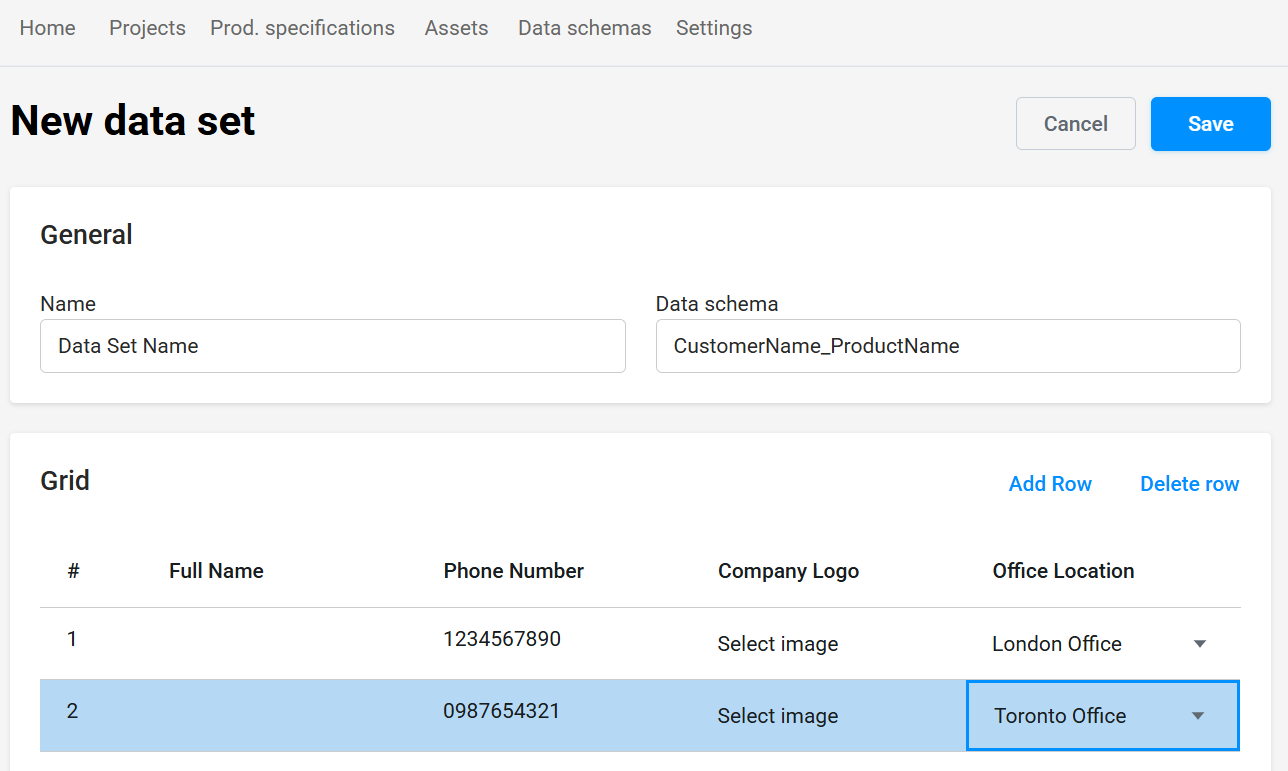
General
- Name - Name your Data Set (Internal use only).
- Data Schema - Associate a Data Schema that you want to provide pre-fill options for.
Grid
Populate Pre-Fill Options for users to choose from when customizing a Data-Driven Editor Template Design that utilizes the associated Data Schema.
Data Sets can be associated with Product Template Specifications that utilize a Data-Driven Editor.
Learn more about - Product Specifications